- Use multiple AI models inside workflows to generate content, replies, and smart automation at scale
- Quick Summary – AI Workflow Automation at a Glance
- What’s New with OpenRouter Actions & Triggers
- What’s Changed Inside HighLevel Workflows
- Why This Matters for Agencies
- How to Use OpenRouter in HighLevel Workflows
- What This Update Means Going Forward
- Conclusion
Use multiple AI models inside workflows to generate content, replies, and smart automation at scale
AI workflow automation inside GoHighLevel just leveled up. With the new OpenRouter actions and triggers, workflows can now generate AI responses in real time and use them directly inside automations. No copy-paste. No outside tools. Just AI working where your workflows already live. This update connects HighLevel workflows to over 300 AI models, including OpenAI, Claude, Gemini, and Perplexity.
Instead of being locked into one provider, you can choose the best model for each task based on speed, quality, creativity, or cost. What makes this powerful is how practical it is. AI responses can be reused across workflow steps, saved to custom fields, or sent instantly through email, SMS, or WhatsApp. Manual AI tasks are now fully automated, personalized, and scalable. This isn’t just a feature add-on. It’s a foundational shift in how AI workflow automation works inside GHL.
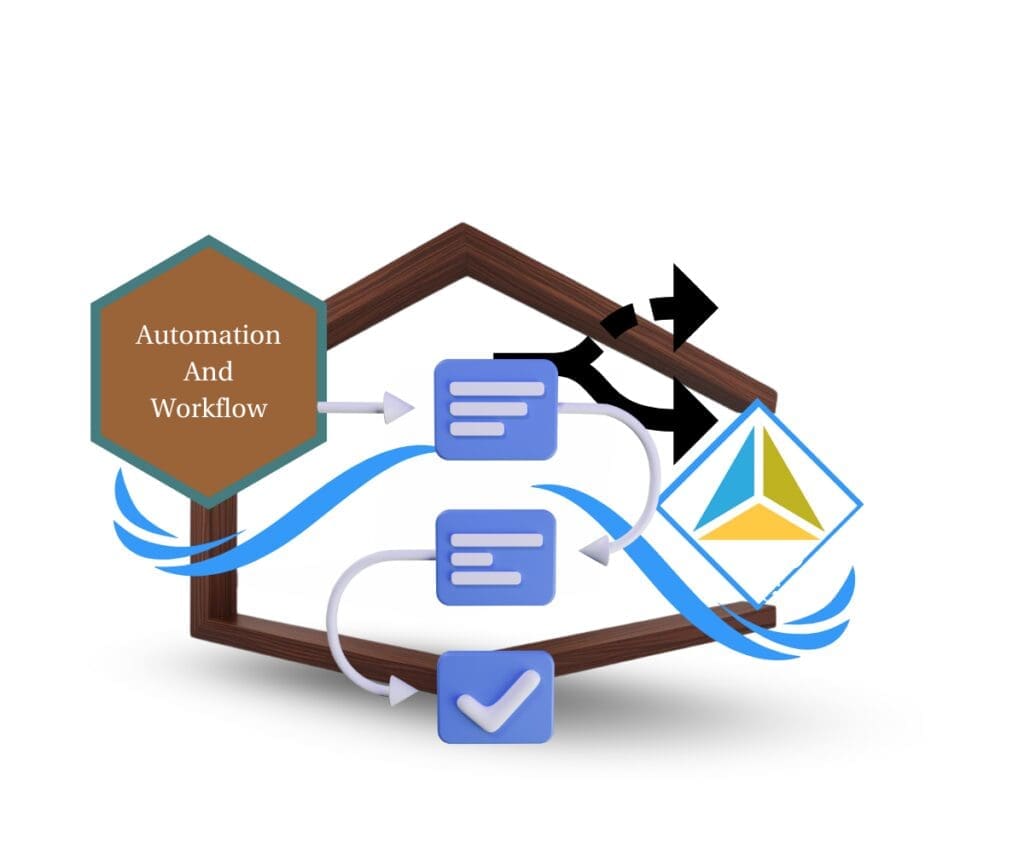
This update turns AI workflow automation into a real production tool inside GoHighLevel, letting you generate personalized messages, summaries, and content at scale using the best AI model for each job.
Quick Summary – AI Workflow Automation at a Glance
Purpose:
This update adds OpenRouter actions to GoHighLevel workflows so AI responses can be generated and used automatically inside live automations.
Why It Matters:
AI is now part of the workflow engine itself, removing manual steps and turning personalization, replies, and summaries into automated processes.
What You Get:
Access to 300+ AI models, real-time response generation, system-level prompt control, reusable outputs, and a built-in test action for safer deployment.
Time to Complete:
Most setups take 10–20 minutes once you have an OpenRouter API key and an existing workflow.
Difficulty Level:
Intermediate, because it requires basic workflow knowledge and clear prompt writing, but no coding.
Key Outcome:
You can scale AI-powered messaging, summaries, and content creation inside workflows without adding tools or manual work.
What’s New with OpenRouter Actions & Triggers
This update introduces the OpenRouter app directly inside GoHighLevel workflows. You can now call AI models from within a workflow and use the response instantly in the next step. There is no need to leave GHL or rely on manual copy-paste anymore.
The core addition is a new workflow action called Generate Response. This action sends a prompt to an AI model through OpenRouter and returns a live response. That output can be reused across workflow steps, saved to custom fields, or sent through email, SMS, or WhatsApp.
Automate marketing, manage leads, and grow faster with GoHighLevel.

You now have access to more than 300 AI models in one place. This includes OpenAI, Claude, Gemini, Perplexity, and creative models for image or video generation. You can pick different models based on speed, quality, creativity, or cost, depending on the task.
The action supports two input layers that give you control without complexity:
- System Prompt to define the AI’s role, tone, or behavior
- Prompt to give the main instruction or task
Both support workflow variables, which means every response can be personalized using contact data, form inputs, or appointment details.
What’s Changed Inside HighLevel Workflows
HighLevel workflows can now directly invoke AI models using OpenRouter. This means AI is no longer a side tool. It is part of the automation logic itself. A workflow step can generate text, analyze input, or summarize data, then immediately use that output in the next action.
The new Generate Response action is the key change. Instead of hard-coded messages or static templates, workflows can now create dynamic content on the fly. The response is generated at runtime, using real contact data and workflow variables.
There is also a clear separation between how instructions are handled. The System Prompt controls how the AI behaves. You can tell it to act like a support agent, a marketer, or a concise responder. The Prompt field handles the actual task, such as writing a reply or summarizing a form.
Model selection is now part of the workflow logic. You can choose faster models for simple tasks and more advanced models for complex or creative work. This gives you control over quality, speed, and cost without rebuilding the workflow.
Once generated, the AI response becomes usable data. It can be stored in a custom field, sent in a message, evaluated in a condition, or reused across multiple workflow steps. This is what makes AI workflow automation practical instead of experimental.
Key Enhancements That Make This Powerful
This update is not just about adding AI to workflows. It is about control, flexibility, and reliability. Each enhancement is designed to make AI workflow automation usable in real client scenarios, not just demos.
The System Prompt gives you full control over how the AI behaves. You can define tone, role, and intent before the task even runs. For example, you can tell the AI to act like a calm support agent, a direct sales assistant, or a short and factual responder. This keeps responses consistent across every workflow run.
The Prompt field handles the actual task. This is where you tell the AI what to do. Because workflow variables are supported, the same prompt can adapt to each contact automatically. Names, services, form answers, and appointment details can all be injected into the response.
Model selection is built into the action. You are not locked into one provider or one style of output. You can choose:
- Faster, lower-cost models for simple replies
- More advanced models for writing or summarization
- Creative models for image or video generation
Another major improvement is the Test Action feature. You can test the OpenRouter action before the workflow runs live. This lets you validate the prompt, preview the response, and save the output schema. That saved schema can then be reused in later actions as custom values.
Together, these enhancements turn AI into a predictable and repeatable part of your workflows. That is what makes this usable at scale.
Why This Matters for Agencies
Agencies live and die by efficiency. Every manual step slows delivery, adds cost, and creates room for error. This update removes a major bottleneck by turning AI into a built-in part of automation instead of a separate task.
With AI workflow automation, tasks that used to require human input can now run on their own. Writing replies, summarizing conversations, and personalizing follow-ups no longer need someone to step in. The workflow handles it in real time, using live data.
This also improves consistency. When AI runs inside workflows, it follows the same rules every time. Tone, structure, and messaging stay aligned across all clients and campaigns. That is hard to achieve when AI is used manually.
Another key benefit is flexibility. Agencies are no longer locked into one AI provider. If pricing changes or performance drops, you can switch models without rebuilding your workflows. That protects your margins and future-proofs your systems.
Most importantly, this lets agencies scale without adding staff. You can handle more leads, more conversations, and more content with the same team. AI workflow automation becomes a quiet worker in the background, doing the repetitive work so your team can focus on strategy and growth.
Impact & Real-World Use Cases
This update unlocks practical AI workflow automation that agencies can use right away. These are not edge cases. These are everyday tasks that can now run automatically inside GoHighLevel.
One of the most common uses is AI-powered customer replies. When a contact sends a message or fills out a form, the workflow can generate a contextual response using their data. This works well for email, SMS, and WhatsApp. Replies feel personal, but no one has to type them.
Another strong use case is message and form summarization. Long form submissions, surveys, or inbound conversations can be summarized into short notes. These summaries can be saved directly into CRM fields so teams see the key points at a glance.
Personalized follow-ups are also much easier to scale. Workflows can generate follow-up messages based on name, service type, appointment details, or lead source. Every message adapts to the contact without needing separate templates.
For agencies doing content work, AI workflow automation can also support creative tasks. Using the right models, workflows can generate written content, images, or even video assets. This is useful for campaigns that need fresh content without manual effort.
Across all these examples, the value is the same. AI becomes part of the workflow logic, not an extra step. That is what makes these use cases reliable and scalable.
How to Use OpenRouter in HighLevel Workflows
Using OpenRouter inside a workflow is straightforward and does not require advanced setup. Everything happens inside the workflow builder, just like other actions.
Start by opening a workflow and adding a new action. Search for OpenRouter and select the OpenRouter action from the list. If this is your first time using it, you will be prompted to connect your OpenRouter account.
Click Connect Now and authenticate using your OpenRouter API key. Once connected, the action becomes available for use in any workflow.
Next, select the AI model you want to use. This choice depends on the task. Faster models work well for short replies or summaries. More advanced models are better for creative writing or complex responses.
Then configure the two prompt fields. Use the System Prompt to define how the AI should behave. Use the Prompt field to describe the task you want completed. Both fields can include workflow variables so the output changes based on the contact.
Before activating the workflow, use the Test Action feature. This lets you run the action on its own, preview the response, and confirm the output structure. Once tested, the generated response can be used in:
- Emails, SMS, or WhatsApp messages
- Custom fields inside the CRM
- Conditions or branching logic
- Downstream workflow actions
After testing, publish the workflow. From that point on, AI responses are generated automatically whenever the workflow runs.
Best Practices for AI Workflow Automation
AI workflow automation works best when prompts are clear and intentional. Vague instructions lead to vague results. The more specific you are about what you want, the more useful the output will be.
Keep prompts short and focused. Instead of asking the AI to do multiple things at once, give it one clear task. This makes responses more predictable and easier to reuse across workflows.
Use the System Prompt to control tone and behavior. This is where you set expectations. For example, you can tell the AI to sound professional, friendly, or concise. Keeping this consistent helps maintain brand voice across all messages.
Test different models for different jobs. Not every task needs the most advanced model. Simple summaries or confirmations can use faster, lower-cost options. Save advanced models for creative or complex responses.
Personalization comes from workflow variables. Pull in names, services, form answers, or appointment details. This makes every message feel custom without building separate workflows.
Finally, always use the Test Action feature before going live. Testing helps you catch prompt issues early and confirms that the output works as expected. A few minutes of testing can save hours of cleanup later.
Costs, Billing, and Limitations
OpenRouter actions are classified as premium workflow actions in GoHighLevel. This means they are billed at standard automation rates, just like other premium actions inside workflows.
In addition to HighLevel’s automation charges, AI usage is billed separately by OpenRouter. HighLevel does not include AI credits for OpenRouter. Any model usage, whether text, image, or video generation, is charged directly through your OpenRouter account.
Model costs vary. Some models are lightweight and inexpensive, while others are more advanced and priced higher. This gives you control, but it also means you should choose models intentionally based on the task.
There are no hard limits on how you can use the generated responses. AI outputs can be:
- Stored in custom fields
- Sent in messages
- Used in conditions
- Passed to other workflow actions
The main limitation is cost awareness. Because responses are generated in real time, workflows that run frequently can increase usage quickly if not designed carefully. Testing, prompt clarity, and smart model selection help keep costs predictable.
What This Update Means Going Forward
This update sets a new baseline for how automation works inside GoHighLevel. AI is no longer something you bolt on after the fact. It now lives inside the workflow engine and responds in real time as automations run.
For agencies, this changes how workflows are designed. Instead of building dozens of static branches and templates, you can let AI handle variation, personalization, and interpretation. Workflows become simpler to manage but more powerful in execution.
It also opens the door to multi-model strategies. You can use different AI models for different jobs inside the same system. That flexibility helps control costs, improve output quality, and adapt as AI providers evolve.
Over time, this will reduce manual workload even further. As prompts and workflows improve, AI workflow automation can handle more customer interactions, internal tasks, and content generation without human intervention.
This update is not about replacing teams. It is about removing repetitive work so teams can focus on strategy, optimization, and growth.
Conclusion
OpenRouter actions and triggers turn AI workflow automation into a core capability inside GoHighLevel. Workflows can now generate responses, summaries, and content in real time, using the right AI model for each task.
This update removes manual steps, reduces tool sprawl, and makes automations smarter without making them more complex. AI outputs become usable data that flows naturally through workflows, messages, and CRM fields.
For agencies, this is a practical upgrade. It supports personalization at scale, improves consistency, and protects flexibility by avoiding reliance on a single AI provider. When used intentionally, it helps teams do more work with less effort.
If you already build workflows in GHL, OpenRouter is worth testing now. It is not about experimenting with AI. It is about using AI as part of how automation actually runs.
Scale Your Business Today.
Streamline your workflow with GoHighLevel’s powerful tools.