
GHL Facebook Post Sync: Auto Import & Insights
Introduction – Facebook Post Sync in GHL Before this update, if you wanted to see past Facebook content inside GHL’s […]
GHL Facebook Post Sync: Auto Import & Insights Read Post »
Introduction – Facebook Post Sync in GHL Before this update, if you wanted to see past Facebook content inside GHL’s […]
GHL Facebook Post Sync: Auto Import & Insights Read Post »
Streamline automation and simplify logic with reusable math operation outputs in your GoHighLevel workflows Want smarter workflow calculations in GoHighLevel?
Workflow Calculations Just Got Smarter: Reuse Math Outputs in GoHighLevel Read Post »
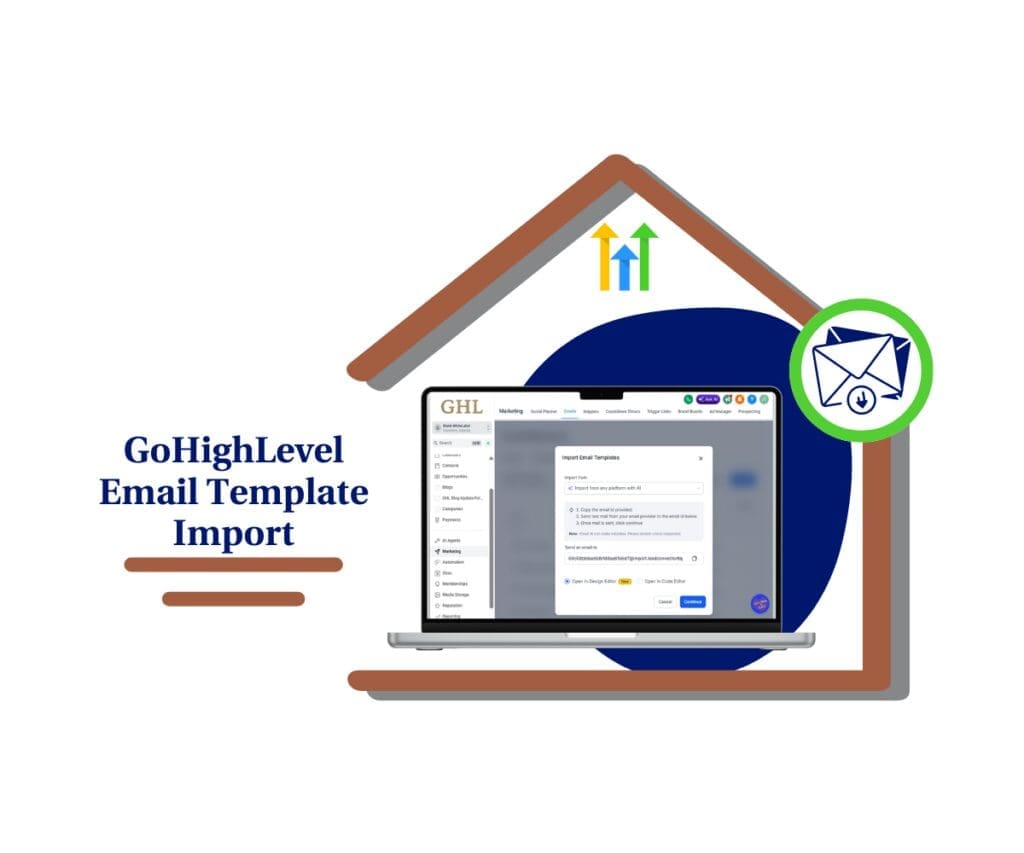
Import emails from any platform or inbox, convert them instantly with Email AI, then optimize and launch faster without rebuilding.
Email Template Import in GHL Read Post »
Introduction – Custom Object Notes in GHL Before this update, Custom Objects inside GHL were powerful — but lacked a
GHL Custom Object Notes: CRM Organization Read Post »

Slice your traffic and conversions by country, channel, referrer, and page title inside Sites > Analytics no exports required. Analytics
GHL Analytics Filters: Segment Funnel, Website, and Webinar Data Fast Read Post »

Introduction – Global Business Listings Expansion Before this update, Global Business Listings inside GHL were powerful, but only in supported
GHL Global Business Listings in 27 New Countries Read Post »

Organize Opportunities with more tag flexibility, cleaner segmentation, and less compromise across every sub-account. Opportunity tagging limits just got easier
Opportunity Tagging Limits Expanded: 60 Smart Tags in GHL Read Post »

Quickly understand why your A2P submissions fail and fix issues faster with GoHighLevel’s improved rejection feedback system. Dealing with an
A2P Campaign Rejection: How GoHighLevel’s New Feedback Feature Speeds Up Approval Read Post »

Find deals faster with a cleaner contact layout and quicker opportunity visibility (before the Actions menu option goes away on
GHL Opportunities Tab Now Lives on the Contact Page Right Panel Read Post »