- Enable Workflow AI Builder once deploy it everywhere, with full control over each location
- Quick Summary – Automated Workflow Setup Essentials
- WHAT’S NEW – One Toggle, Instant Rollout
- WHAT’S CHANGED – More Control for Agencies
- WHY THIS MATTERS – Smarter Automation Without the Hassle
- How to Use – Automated Workflow Setup for GHL Sub-Accounts
- PRO TIPS – Get the Most from Automated Workflow Setup
- WHAT TO EXPECT – Results from Using Automated Workflow Setup
- Frequently Asked Questions – Automated Workflow Setup in GHL
- One Setup, Full Control
Enable Workflow AI Builder once deploy it everywhere, with full control over each location
Automated Workflow Setup Across Sub-Accounts
Automated workflow setup in GHL is now available across all sub-accounts with a single switch.
If you’ve ever had to turn on AI Builder for each location one by one, you know it can be a hassle. This update fixes that. Now, when you enable the feature at the agency level, it’s instantly active in every sub-account.
It saves time. It removes extra steps. And it puts you in control of how AI is used across your entire client base.
You can still turn it off for any location if needed, but you won’t have to repeat the same setup over and over again. That’s a win for any busy agency.
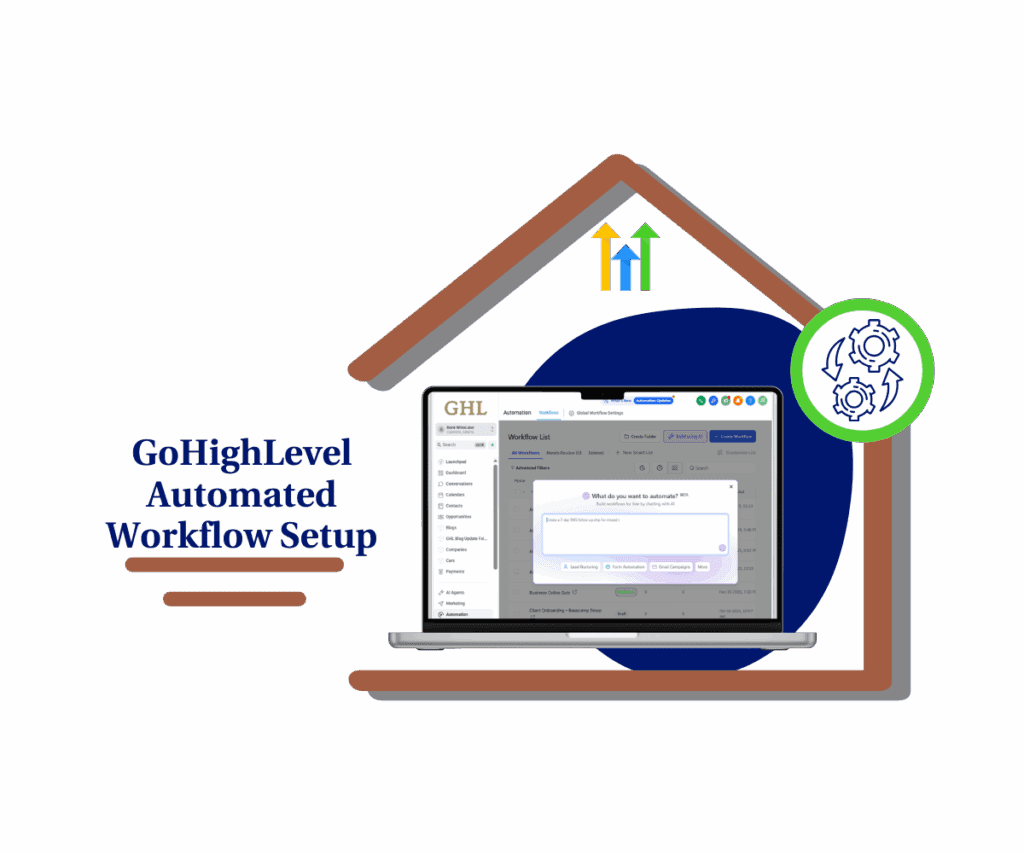
GHL’s automated workflow setup lets you activate AI Builder across all sub-accounts with one click. No more repeating the same steps for every client.
Quick Summary – Automated Workflow Setup Essentials
Purpose: This update adds automated workflow setup, letting agencies turn on Workflow AI Builder for all sub-accounts at once.
Why It Matters: It removes the need to repeat setup across locations and gives you full control from one place.
What You Get: One-click activation for AI tools across every client account, plus the option to disable by location.
Time to Complete: Under 5 minutes to enable globally, with quick access to manage per location.
Difficulty Level: Easy. Just flip a toggle in the Labs section and you’re done.
Key Outcome: Faster AI rollout with consistent workflows and less manual setup.
WHAT’S NEW – One Toggle, Instant Rollout
Automated workflow setup in GHL is now easier than ever.
When you turn on Workflow AI Builder at the agency level, it’s automatically enabled in every sub-account. You no longer have to open each location and set things up by hand. That step is now done for you.
Automate marketing, manage leads, and grow faster with GoHighLevel.

This automated workflow setup saves time and helps you get new clients up and running faster. It gives every location access to the same tools right away, without extra work.
There’s also a confirmation popup when you visit a sub-account. It lets you know AI Builder is active and gives you the option to turn it off for that location.
With automated workflow setup now built into GHL, rolling out AI tools is as simple as flipping one switch.
WHAT’S CHANGED – More Control for Agencies
Automated workflow setup now gives you more control without the extra steps.
Once you turn on Workflow AI Builder at the agency level, all sub-accounts get it right away. When you open a location, a message pops up to confirm that AI Builder is active. From there, you can leave it on or turn it off for just that location.
You also have access to the control anytime inside Automations → Global Workflow Settings → Disable AI Builder.
The new automated workflow setup means you only set it once, but you can still manage how and where it runs. It helps you keep things consistent across accounts while giving you the choice to adjust by client.
It’s a small change that makes a big difference in how you manage automation at scale.
WHY THIS MATTERS – Smarter Automation Without the Hassle
Automated workflow setup helps you save time and stay organized across all your sub-accounts.
Before this update, turning on AI Builder meant repeating the same setup in every location. That process was slow and easy to miss. Now, automated workflow setup takes care of it with one simple step.
This matters for agencies because it reduces manual work. You no longer need to check each sub-account to make sure it’s ready. Instead, you get a consistent setup across the board.
You also keep full control. If one client isn’t ready for AI, you can turn it off for just that account.
Automated workflow setup means faster onboarding, fewer errors, and a better experience for your team and your clients.
How to Use – Automated Workflow Setup for GHL Sub-Accounts
This update makes it easy to roll out Workflow AI Builder to every sub-account. Follow these steps to turn on automated workflow setup and manage it by location if needed.
Step 01: Access the Main Left Hand Menu in GoHighLevel
- The Main Menu on the Left side of your screen has all the main areas that you work in when using GHL
1.1 Click on the Automation Menu Item.
- Access the ‘Automation’ section of GoHighLevel
1.2 Click on the Global Workflows Settings menu link
- a new window will open where you can access Workflow AI Builder.

Step 02: Enable the Workflow AI Builder
2.1 Scroll down to find the toggle labeled Workflow AI
- This toggle controls whether automated workflow setup is active for your agency.
2.2 Turn on the Workflow AI Builder toggle
- Once enabled, the feature will apply across all sub-accounts instantly.

2.3 You’ll see a confirmation popup when visiting each location
- This confirms the AI Builder is live and gives you the option to disable it for that location.

That’s it. With automated workflow setup, you can now roll out AI tools to all your clients at once while keeping the option to manage each one on your terms.
PRO TIPS – Get the Most from Automated Workflow Setup
Automated workflow setup is designed to save time, but a little planning can make it even better. These tips will help you roll it out smoothly and keep things under control.
- Only turn it on when you’re ready. Once you enable Workflow AI Builder, automated workflow setup goes live in all sub-accounts. Make sure you’ve tested it first.
- Check your sub-accounts. Visit a few locations after you activate it. You’ll see a popup confirming that the AI Builder is active. Use that to spot any issues.
- Add it to your onboarding process. Make automated workflow setup part of how you launch new clients. It keeps things simple and consistent.
- Track any exceptions. Not every client needs AI right away. Keep a list of sub-accounts where you’ve turned it off.
- Keep your team in the loop. If others on your team manage accounts, make sure they understand how automated workflow setup works and where to find the settings.
Using automated workflow setup the right way helps you move faster without losing control.
WHAT TO EXPECT – Results from Using Automated Workflow Setup
Automated workflow setup helps you move faster without losing control.
Once it’s on, every sub-account gets Workflow AI Builder right away. You won’t need to log in and set it up one by one. That alone can save hours if you manage a lot of clients.
You’ll also get more consistency. With automated workflow setup, every account starts with the same tools. This makes it easier to train your team, support clients, and fix issues if something goes wrong.
Your clients benefit too. They can jump in and start building workflows using AI, even if they are not technical.
If one of your locations isn’t ready for it, you still have full control. You can turn it off in just a few steps.
Automated workflow setup gives you a cleaner, faster way to manage automation across your agency.
Frequently Asked Questions – Automated Workflow Setup in GHL
One Setup, Full Control
Automated workflow setup gives you a faster way to roll out AI tools across every sub-account without repeating the same steps.
Once you turn on Workflow AI Builder in Labs, the setup is done. Every sub-account gets it right away. You don’t need to log into each one or check settings by hand.
Even with automated workflow setup running, you still have control. You can turn it off for any sub-account whenever you need to.
If you’ve been looking for a better way to manage automation in GHL, this is a strong step forward. Simple to use, easy to manage, and built for speed.
Scale Your Business Today.
Streamline your workflow with GoHighLevel’s powerful tools.