- Start from scratch or use pro-designed templates
- Quick Summary – Email Template Integration Snapshot
- Email Template Integration Now in GHL
- Simpler Email Building Workflow
- Faster Emails Without Losing Control
- Steps to Use Email Template Integration
- Pro Tips for Smarter Email Templates
- How This Helps GHL Agencies Scale
- What You Can Expect to Improve
- Email Template Integration Questions
- Try the New Email Options in GHL
Start from scratch or use pro-designed templates
Creating emails in GoHighLevel is now faster and simpler thanks to the new email template integration. This feature lets users choose between building emails from scratch or using ready-made templates, giving more control over how emails are created inside GHL.
This update solves a common problem for agencies: spending too much time designing every email from the ground up. With the new integration, users can start with a clean, blank email or quickly select a professional template that’s ready to customize.
It’s especially helpful for agencies that manage multiple accounts or send frequent campaigns. Instead of recreating designs or copying old emails, users can now start with a strong layout and adjust the details.
Whether building one-off campaigns or automating email series, the goal is to save time without losing creative flexibility. That’s exactly what this new feature delivers.
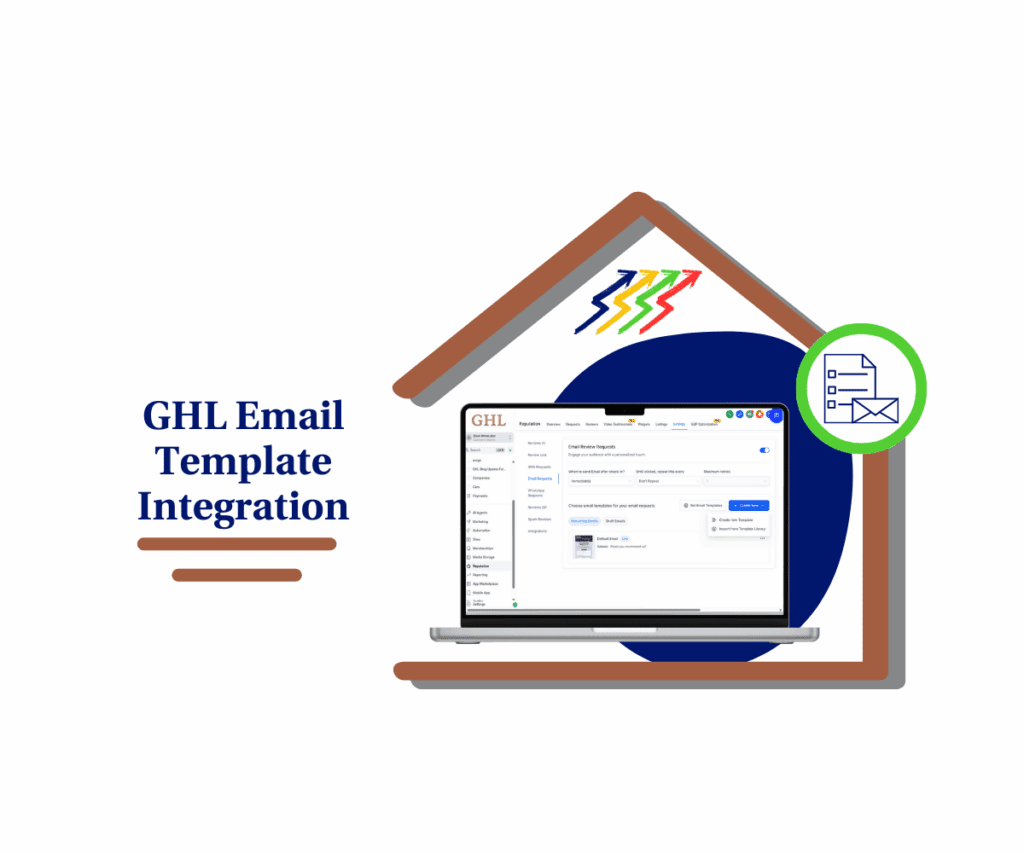
With the email template integration in GHL, users can build branded emails faster while keeping full control over the look and feel.
Quick Summary – Email Template Integration Snapshot
Purpose: GoHighLevel now includes email template integration. Users can choose to start emails from scratch or pick a template to get things done faster.
Why It Matters: It helps teams save time, keep their branding consistent, and cut down on repeat design work across client accounts.
What You Get: A simple way to build emails using templates built right into the email request screen. Everything is fully editable.
Time to Complete: Just a few minutes. Pick a layout, add your content, and it’s ready to send or plug into a workflow.
Difficulty Level: Easy. The layout is familiar and fits into the same flow users already know.
Key Outcome: Faster email builds with fewer mistakes and a more consistent look across all campaigns.
Email Template Integration Now in GHL
GoHighLevel has added a new feature to help users build emails faster. With the latest update, GHL now includes email template integration directly in the email creation screen.
Users will see two clear options when creating an email:
Automate marketing, manage leads, and grow faster with GoHighLevel.

- Start with a blank email
- Use a pre-built template from the new template library
This means you no longer have to design every email from scratch. If you want full creative control, the blank option is still there. If you want a faster setup, templates give you a solid starting point that can be customized to fit your brand.
Templates include basic layouts, promotions, and common use cases. Every template is editable, so you can adjust the colors, text, buttons, and more.
You can find this feature by going to:
Reputation → Settings → Email Requests → Create Email
The goal of this update is to give users more flexibility. Whether working on a quick campaign or building a longer automation, having access to templates can save time without taking away design control.
The email template integration is especially useful for agencies or businesses that send a lot of emails and want to keep a consistent look. It also helps reduce the learning curve for new team members who may not be comfortable building emails from a blank screen.
Simpler Email Building Workflow
Before this update, building emails in GoHighLevel meant starting with a blank editor every time. Users had to drag in elements, set up layouts, and repeat the same design steps over and over. It worked, but it was time-consuming, especially for teams sending emails on a regular basis.
Now with email template integration in GHL, the process has become more flexible. Users can still create emails from scratch, but they also have the option to start with a pre-made template. This saves time and helps keep things consistent across campaigns.
The biggest difference is in the setup. Instead of rebuilding a layout or copying an old email, users can now choose a template, adjust the content, and send it out. This change is especially useful for agencies handling multiple clients or locations where speed and branding matter.
The new option is built right into the same place users are already working. There’s no new tool to learn and no extra steps. Just open the email builder, choose how you want to start, and get to work.
This update doesn’t change how emails are sent. It improves how they are created. By giving users more control over the workflow, email template integration helps teams save time and get more done without losing quality.
Faster Emails Without Losing Control
The new email template integration in GoHighLevel gives users a better way to build emails without adding complexity. It focuses on something every team needs: saving time while keeping control of the final result.
Before this update, every email had to be built from the ground up. That worked, but it took longer. Even simple layouts needed to be repeated again and again. For agencies handling multiple campaigns, this often slowed things down.
Now, teams can start with a clean layout from the template library and focus more on the message. Templates offer a useful starting point without locking users into a fixed design. You still make the edits you want, but you don’t have to build the entire structure every time.
It also helps new users or junior team members get started faster. Instead of trying to design something from scratch, they can select a template and start writing. This makes it easier to train new hires and keep email output moving.
For agencies, this means more consistency, less back and forth, and fewer delays. Users can still create custom emails when needed. The key difference is that now they have a choice.
The email template integration makes it easier to balance speed with creativity. That’s why this update matters, especially for teams looking to improve their process without giving up quality.
Steps to Use Email Template Integration
The new email template integration in GoHighLevel is built into the regular email creation process. It adds more options without adding more steps. Here’s how to use it.
Step 01 – Access the Main Menu in GoHighLevel
- The main menu on the left side of your screen includes all the main areas you work in when using GoHighLevel (GHL).
1.1 Click on the Reputation menu item to access the Workflows section.
- You’ll now be in the Reputation section, where you can access the Settings tab from the top menu.
1.2 Click the Settings tab.
1.3 Click the Email Requests sub section.
1.4 Click the + Create New button.
1.5 Click the Create New Template option or choose Import from Template Library.
- For this example, the Import from Template Library option is selected.

Step 02 – Open the Template Library
- The template library should pop up on the screen.
2.1 Choose the template that needs to be added or edited.

Step 03 – Confirm the Template in the Library
- The selected template should now appear in the email templates library.
3.1 Check and confirm that the template is listed in the library.

The email template integration helps users build faster without losing design control. It’s a small change that makes a big difference for everyday email work.
Pro Tips for Smarter Email Templates
The email template integration in GoHighLevel saves time, but a few small habits can make it even more effective. These tips help teams get better results with less effort.
- Adjust the Template to Match Your Brand. Start with a template, but make sure it feels like your business. Update the colors, change the font, and replace the content with your own voice. Templates are just a shortcut, not the final product.
- Reuse What Works. If you send similar types of emails often, keep a copy of the ones that perform well. You can duplicate and adjust them instead of starting from zero. This is a helpful workaround until GoHighLevel allows custom template saving.
- Stay Consistent for Each Client or Brand. Using the same layout, button style, and color scheme helps build brand recognition. It also makes your emails easier to read and recognize in crowded inboxes.
- Always Preview Before Sending. Even with templates, things can shift once you start editing. Use the preview option to check your email on both desktop and mobile. This simple step helps avoid mistakes.
- Use in Workflows to Save Time. Templates don’t need to be used one at a time. After editing, connect them to workflows or campaigns. This keeps your automations running smoothly without rebuilding emails each time.
The email template integration gives GHL users a faster way to build. These simple tips help you get more value out of every template you use.
How This Helps GHL Agencies Scale
The email template integration in GoHighLevel gives teams a better way to manage their email work. It’s a practical upgrade that helps agencies scale without adding more pressure on time or people.
Agencies often handle multiple campaigns at once. Without a solid system, email tasks can slow everything down. This update removes one of those slow points by making email building faster and easier to repeat.
It also supports team growth. When everyone uses the same templates, the design stays consistent. That’s important for branding, especially when different people are building emails for the same client.
New staff or junior team members can now start with something solid. Instead of building from a blank screen, they can pick a layout, adjust the content, and send it out. It lowers the learning curve and helps teams move faster without risking mistakes.
The real value is in how this fits into daily work. Whether someone is writing campaigns, automating follow-ups, or just sending one-time emails, they now have more control over the process.
The email template integration doesn’t change the tools. It just makes them easier to use. That gives GHL users more space to focus on strategy, messaging, and results. For agencies looking to grow, that’s a big step in the right direction.
What You Can Expect to Improve
The new email template integration in GoHighLevel is built to save time and help teams work more efficiently. It doesn’t change how you send emails. It just gives you a better way to build them.
The first thing most users will notice is how much faster emails come together. Starting with a template means less time spent dragging in elements or building layouts from scratch. Instead of focusing on structure, users can go straight to writing and customizing.
Teams will also see more consistency in the emails they send. When everyone starts from the same layout, the branding stays aligned. That’s a big help when working across multiple clients or managing different team members.
Another benefit is smoother communication. Fewer layout issues mean fewer edits. When the process is clear and repeatable, it takes less back and forth to get an email ready to go.
New team members will also have an easier time getting started. With a template in place, they have something to build from. This reduces the time it takes to train new hires and keeps the work moving.
The email template integration gives users more control over their time and output. It helps agencies send more emails, make fewer mistakes, and stay on schedule.
For anyone handling repeat email tasks or working with a team, this update will make a real difference in the day-to-day flow.
Email Template Integration Questions
The email template integration in GoHighLevel is easy to use, but here are a few common questions to help clear things up.
The email template integration is meant to make email creation easier. Whether building solo or as part of a team, this update gives users more options without adding more work.
Try the New Email Options in GHL
The email template integration in GoHighLevel gives users a better way to build emails. It keeps the process familiar but adds more flexibility for how users get started.
For many teams, this update will mean less time spent on design and more focus on what matters. Instead of building every layout from scratch, users can pick a starting point, make a few changes, and move on.
This feature also helps with consistency. When a team works across multiple clients or brands, using templates makes it easier to keep everything looking the same. It also helps new team members get up to speed without needing to learn every detail of the builder on day one.
Templates can be edited and used anywhere in the system. You can send them as one-time emails or plug them into workflows and campaigns. Nothing about your process needs to change, but the option to work faster is now built in.
The email template integration is a small change that solves a common problem. It gives users more control over their time and helps teams keep email work moving without cutting corners.
To try it out, head to your GHL email builder. Choose between starting from scratch or using a template. Both options are there, and both are useful. Pick the one that works best for what you need that day.
Scale Your Business Today.
Streamline your workflow with GoHighLevel’s powerful tools.