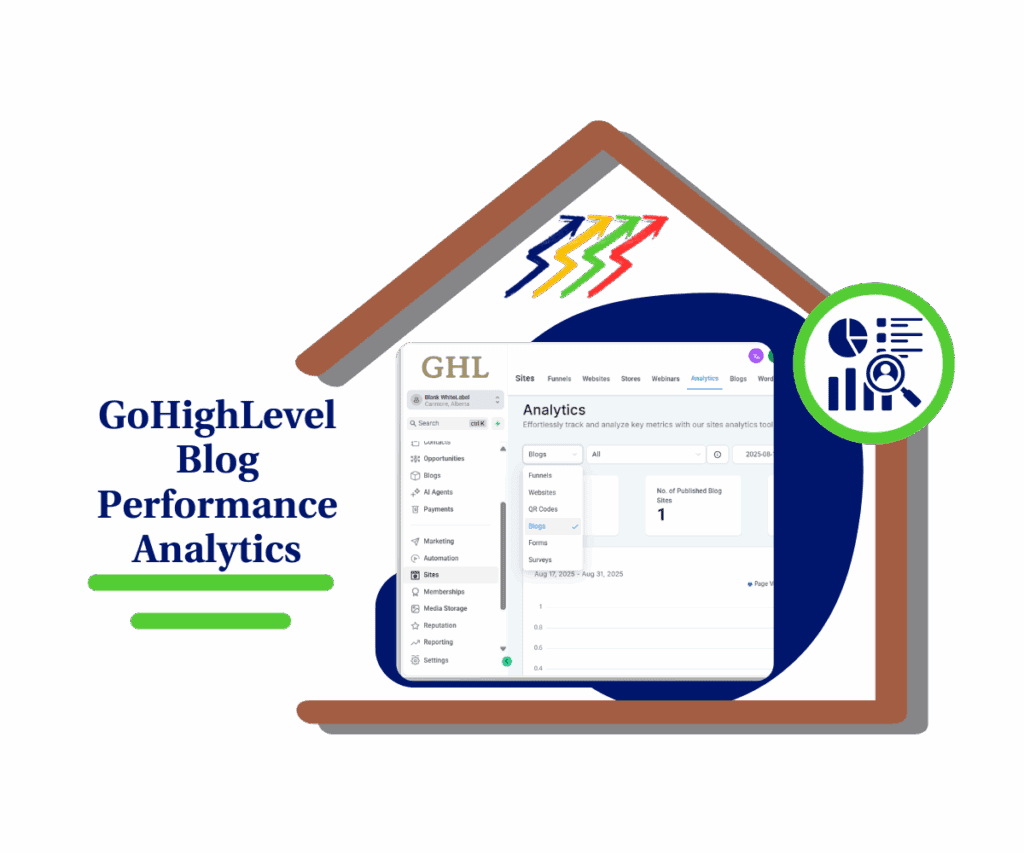
- Now you can track bounce rate, session time, and time on site to see what’s working and what’s not.
- Quick Summary – Website Engagement Metrics Overview
- What’s New: 3 Website Engagement Metrics in GHL
- Metric Breakdown: What Each One Tells You
- Why This Matters for Agencies and Marketers
- How to Use – View Website Engagement Metrics in GHL
- Here’s how to find and use website engagement metrics in GoHighLevel:
- Quick Tips to Optimize Using These Metrics
- Frequently Asked Questions: GHL Website Engagement Metrics
- Final Thoughts: Smarter Insights, Stronger Results
Now you can track bounce rate, session time, and time on site to see what’s working and what’s not.
Why Engagement Metrics Matter
Website engagement metrics help you see what your visitors are doing and why it matters. They show how long people stay, what they interact with, and when they leave. These numbers go beyond traffic. They tell you if your site is actually holding attention.
Most people guess. They hope a new headline or layout makes things better. But with GHL’s latest update, you don’t have to guess anymore. You can see clear patterns in how users move through your content and where you might be losing them.
This isn’t just helpful. It’s essential if you want to improve your funnels, landing pages, or even client reporting. Let’s walk through what’s new and how to start using it.

GHL now gives you real numbers on how people use your site. With website engagement metrics like time on site, session duration, and bounce rate, you can spot what’s working and fix what’s not.
Quick Summary – Website Engagement Metrics Overview
Purpose: Website engagement metrics help you understand how visitors interact with your site so you can improve what matters.
Why It Matters: These insights show where people stay, where they leave, and how long they engage, making it easier to fix weak pages and build on strong ones.
What You Get: Built-in tracking for average time on site, session duration, and bounce rate inside your GHL Site Analytics dashboard.
Time to Complete: Less than 2 minutes to access and apply filters in your analytics view
Difficulty Level: Beginner. No setup or extra tools needed.
Key Outcome: A clearer view of site performance and a simple way to make smarter content and design decisions using real data.
What’s New: 3 Website Engagement Metrics in GHL
Website engagement metrics are now built into GHL’s Site Analytics. You can see how visitors are using your site over any date range you choose. Daily, weekly, or custom it’s all there.
Here’s what you get:
Automate marketing, manage leads, and grow faster with GoHighLevel.

- Average Time on Site
- Average Session Duration
- Bounce Rate (under 30 seconds)
These numbers help you spot how long people stick around, how active they are during each visit, and how often they leave right away. You don’t need to pull this from another tool. It’s all in one place.
Each metric gives you a clear view into what your pages are doing. If people are leaving fast, you’ll know. If a funnel step is holding attention, you’ll see that too. Up next, we’ll break down what each one means and why it matters.
Metric Breakdown: What Each One Tells You
Website engagement metrics help you see how people are using your site, where they stay, and where they leave. GHL’s update gives you three clear numbers to track. Each one shows a different type of user behavior.
Average Time on Site
- This shows how much total time visitors are spending on your site. It adds up all sessions and divides by how many visits you had.
- If this number is going up, people are sticking around. That usually means your content is doing its job.
Average Session Duration
- This one looks at each visit by itself. It tells you how long people stay on average during a single session.
- If your average session time is low, it may mean people aren’t finding what they came for. If it’s higher, it could mean your flow is working.
Bounce Rate (under 30 seconds)
- This shows how many people leave your site in less than 30 seconds.
- A high bounce rate means something pushed them away fast. Maybe the page didn’t load, the headline missed, or the offer didn’t match the click.
Together, these website engagement metrics give you a full picture. You can stop guessing and start fixing the parts that lose people. When you improve what keeps them around, you make your site work better.
Why This Matters for Agencies and Marketers
Website engagement metrics give you more than just numbers. They give you real answers about what’s helping your business and what’s holding it back.
If you run funnels, websites, or webinars, these new GHL stats help you figure out what’s working fast. You’ll spot which pages keep people interested and which ones push them away.
For agencies, this makes client reporting easier. Instead of vague guesses like “looks good,” you can say, “Your bounce rate dropped by 20% after the new page went live.” That’s clear proof you’re getting results.
These insights also help you stop wasting time. No more redesigns based on gut feelings. Website engagement metrics let you focus on data-backed fixes. That means better user experience, higher conversions, and faster wins for your team or your clients.
This update gives you the clarity you’ve been missing.
How to Use – View Website Engagement Metrics in GHL
Website engagement metrics are already live in your GHL account. You just need to open your analytics to start using them. Once you’re in, you’ll see new data like bounce rate, time on site, and session duration.
No setup needed. No custom reports. No outside tools required.
Here’s how to find and use website engagement metrics in GoHighLevel:
Step 01: Access the Main Left Hand Menu in GoHighLevel
- The Main Menu on the Left side of your screen has all the main areas that you work in when using GHL
1.1 Click on the sites Menu Item.
- Access the ‘Sites’ section of GoHighLevel
1.2 Click on the ‘Analytics’ Tab
- This will open the Analytic Dashboard

1.3 Scroll down to find the Average Time
- This will show you the Average Time overview

Step 02: Choose Your Date Range
- You can look at data daily, weekly, or by a custom range.
2.1 Use the Date Filter at the Top Right
- Select the time period you want to analyze.

2.2 Apply the Filter to View Updated Metrics
- Once applied, you’ll see updated results across the full analytics panel.

Step 03: Review the Website Engagement Metrics
- Scroll through the dashboard to find the new metrics.
3.1 Look for These Two Metrics
- Average Time on Site
- Bounce Rate (under 30 seconds)
3.2 Use the Metrics to Spot Trends and Drop-Off Points
- Look at how long people stay and where they bounce. This helps you quickly find what’s working and what needs fixing.

That’s it. These website engagement metrics are ready for you to use today. No extra tools or setup required.
Quick Tips to Optimize Using These Metrics
Website engagement metrics give you a clear view of what’s working and what needs fixing. Here are a few ways to put that data to use:
1. Check bounce rate to spot weak pages
- If people are leaving your site in under 30 seconds, something’s not right. Look at your headline, layout, or load time. A small change can reduce bounce and hold attention longer.
2. Use time on site to guide your content plan
- If people stay longer, that’s a good sign. Add more of what’s working. Link to helpful pages, suggest a next step, or include a quick video to keep them around.
3. Watch session duration to improve flow
- Short session times might mean people are hitting a dead end. Make sure your navigation is clear and your next step is easy to follow. Keep the visitor moving.
4. Compare metrics across pages or funnels
- Don’t look at just one number. Check how different pages perform. Website engagement metrics can show which content pulls people in and which ones lose them.
5. Use the data to take action, not just observe
- It’s easy to track metrics. The real value comes from using what you learn. Change one thing, check the result, and repeat. Small wins add up fast.
You don’t need to be a data expert. These website engagement metrics make it easier to spot what’s working and build a better experience from there.
Frequently Asked Questions: GHL Website Engagement Metrics
Final Thoughts: Smarter Insights, Stronger Results
Website engagement metrics give you a better way to see how your site is really performing. They help you stop guessing and start understanding what’s keeping visitors around and what’s pushing them away.
With this update in GHL, you now have the tools to track time on site, session duration, and bounce rate all without needing extra software.
This matters. If you know how long people stay, where they click, and when they leave, you can make smarter changes. You can fix what’s not working and build on what is.
Start small. Look at the numbers. Then make one clear change. That’s how you get better results with fewer surprises.
Website engagement metrics are not just nice to have. They’re the starting point for better content, stronger funnels, and smarter client reporting.
Scale Your Business Today.
Streamline your workflow with GoHighLevel’s powerful tools.